The Cloudflare proxy routes a website hostname's HTTP and HTTPS requests through Cloudflare before they reach the origin server. To enable it, edit an eligible A, AAAA or CNAME record in DNS Records, set Proxy status to Proxied and save.
Do this for the records that serve compatible web traffic, not every record in the zone. Mail, domain-verification records and other non-HTTP services often need to remain DNS-only. We explain how to choose the right records and check the result.
Proxied versus DNS-only: what changes?
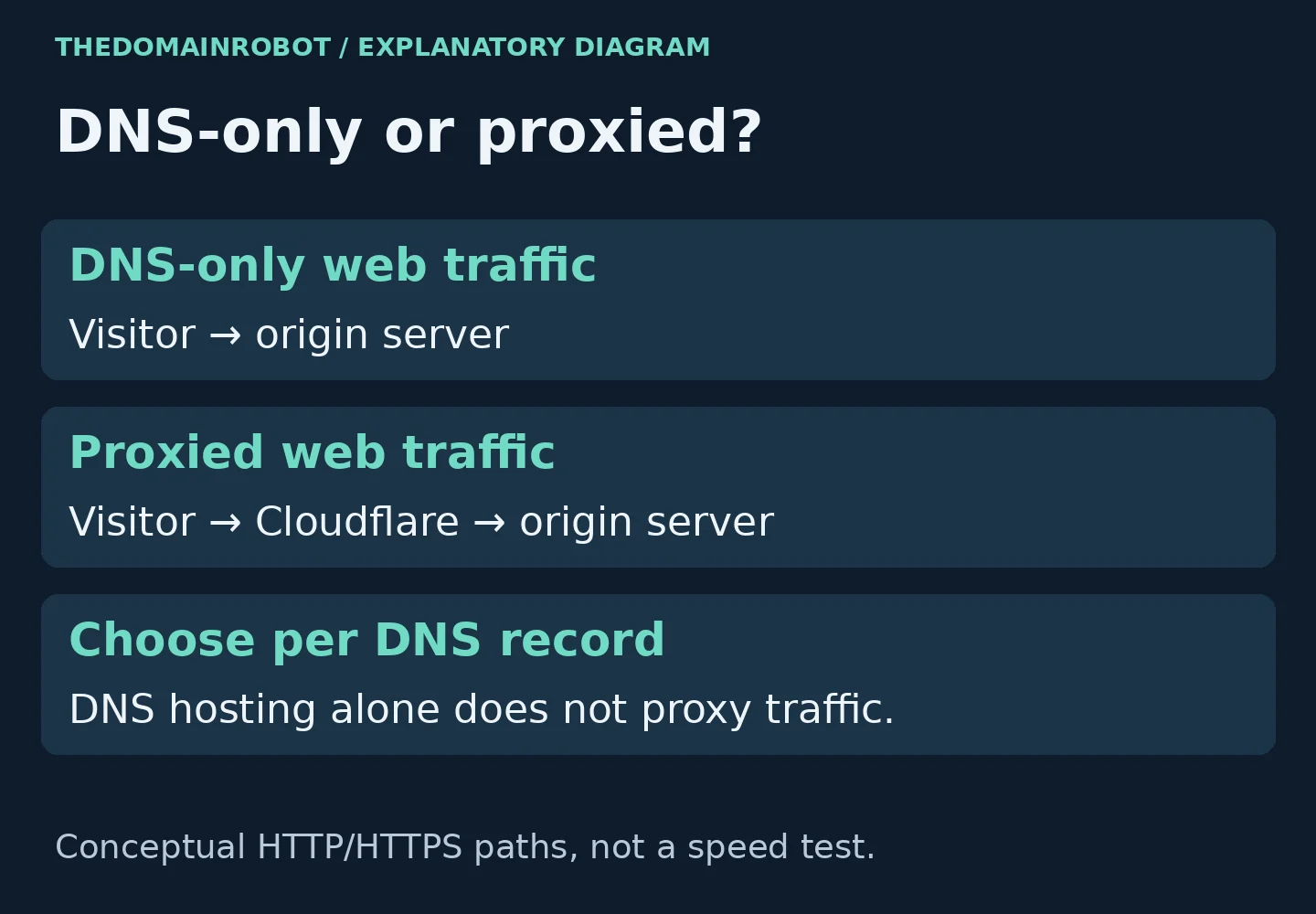
With a proxied record, a DNS lookup returns Cloudflare anycast IP addresses rather than the origin address. Visitors then connect to Cloudflare, where configured caching, security and redirect features can act on their requests. In the dashboard, this status is represented by an orange cloud.
With DNS-only, represented by a gray cloud, Cloudflare still answers authoritative DNS queries but sends clients to the record's actual destination. The website's HTTP requests do not pass through Cloudflare's proxy, so its HTTP caching and security settings do not apply to that route.
This is not a browser redirect. The visitor normally keeps the same hostname in the address bar while Cloudflare sits between the client and the origin. If the distinction is new, our DNS record guide explains how the hostname resolves first.
Proxying can reduce direct exposure of an origin IP in that DNS response, but do not treat it as proof the server address is secret or unreachable by other routes. The proxy setting is not a replacement for sensible origin security.
Need the domain first?
Runs the same live check as the front page. If it is taken we will show you when it expires.
Choose which records should be orange-clouded
Only A, AAAA and CNAME records can be proxied. Even among those record types, the purpose matters. Cloudflare recommends proxying records that serve web traffic, while records for other uses should be reviewed separately.
- Website hostnames: the apex domain and
wwware common candidates when they serve a compatible website. - Image or application subdomains: check the service requirements before changing their proxy state.
- Email hostnames: keep records used for mail services DNS-only when they require direct non-HTTP connections.
- Verification CNAMEs: follow the provider's instructions; proxying can prevent a required record from being visible as expected.
- MX and TXT records: these are always DNS-only and have no equivalent HTTP proxy switch.
Do not assume a third-party hosted service accepts proxying just because its record is a CNAME. Check that provider's compatibility guidance. Some CNAME destinations may trigger a warning or be prevented from proxying by Cloudflare.
How to enable the Cloudflare proxy
- Sign in to Cloudflare and select the correct domain. Confirm that the zone is active rather than assuming a recently added domain is already ready.
- Open DNS > Records.
- Find the A, AAAA or CNAME record for the website hostname you want to change.
- Select Edit on that record.
- Change Proxy status to Proxied, shown with the orange cloud.
- Leave the existing destination unchanged unless you are intentionally migrating the origin.
- Select Save.
- Repeat only for other compatible website hostnames that should pass through Cloudflare.
Cloudflare documents DNS management through the hosting partner when a domain was added by a hosting partner. If that is your setup, use the partner's supported management route rather than assuming every record can be changed in the standard dashboard.
If you need to add a new record instead, use Add record, choose the record type, enter the destination supplied by the hosting service, select the appropriate proxy status and save. Do not invent an origin address for a live website.
Check HTTPS before and after the switch
A proxied HTTPS website involves two connections: visitor to Cloudflare, and Cloudflare to the origin. Enabling the orange cloud alone does not establish that both are configured correctly.
Cloudflare recommends Full (strict) encryption where possible. The origin must support HTTPS and present an unexpired certificate with the appropriate hostname, issued by a publicly trusted certificate authority or Cloudflare Origin CA. An origin that does not meet those requirements can produce a 526 error.
Review the SSL/TLS configuration rather than changing encryption modes blindly to make an error disappear. After proxying, open the site over HTTPS and check important pages, images and application functions. If a new problem appears, compare it with the previous configuration before changing several unrelated settings.
Verify DNS and real website behavior
Confirm that the record saved as Proxied, then query the exact hostname and test its public site. Different names, such as the apex and www, can have different records. A working apex alone does not prove the other hostname is correct.
Cloudflare currently documents Auto TTL of 300 seconds for proxied records. Local caching can make observed changes take longer, so do not promise a fixed completion time. Changing proxy state is also different from changing authoritative nameservers.
If multiple A or AAAA records share a name and any are proxied, Cloudflare treats all those A/AAAA records for that name as proxied. A CNAME chain can also involve proxying at another point. Review the whole hostname's configuration rather than relying on a single row's appearance.
Next, check the features you actually intended to use. Read Cloudflare cache basics, Bot Fight Mode considerations or domain redirects through Cloudflare according to your goal. An orange cloud does not mean every possible feature has been enabled.
How to undo the proxy change
Return to DNS Records, edit the same record, switch Proxy status back to DNS-only and save. Then repeat the DNS and application checks. Keep a record of the original destination and state so rollback does not accidentally point the hostname elsewhere.
Before switching off, consider whether visitors can use the origin directly. A server certificate trusted only by Cloudflare or an origin firewall intended to admit only Cloudflare traffic may prevent that. DNS-only also removes Cloudflare's HTTP caching and protection from that route.
Our domain lookup tool can help with domain research, but it cannot certify that every application path is proxied or that HTTPS is correctly configured. Verify those with the DNS records and actual requests.
Frequently asked questions
Should every cloud be orange?
No. Use proxying for compatible website traffic and preserve DNS-only settings for services that require them. The record's role matters more than a desire to make the dashboard uniform.
Does DNS-only mean Cloudflare stops providing DNS?
No. Cloudflare can remain the authoritative DNS provider while the website traffic goes directly to the origin. DNS service and HTTP proxying are separate layers.